Personal tool, runs locally, 2026

Site Capture

Site Capture is the tool I built to show my own work. Give it a website address and walk away: it reads the site, plans a video to the exact length you asked for, films it in a real browser the way a visitor would, and hands back the video in three formats with the screenshots, mockups and copy around it.

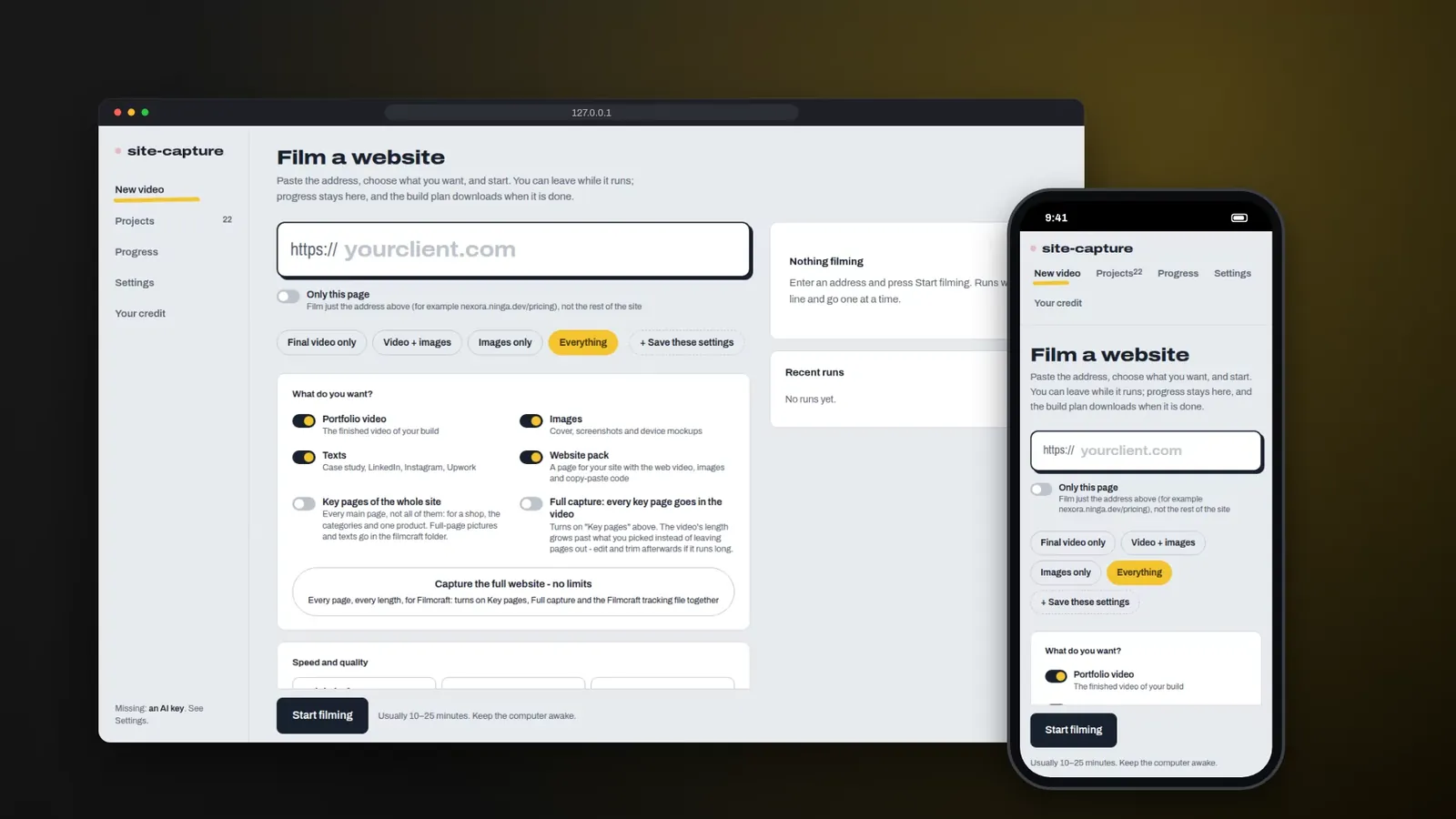
Site Capture interface on a laptop and a phone, with the Film a website form, an address field and the Start filming button
3video formats from one run: 16:9, 1:1 and 9:16
18/20minimum script score before it is accepted
42modules in the Node.js engine

The problem

Every finished project needs to be shown: a walkthrough video, screenshots for the case study, square and vertical cuts for social media and a few lines of copy. Done by hand with a screen recorder and an editor, that is most of a day per project, and the result stutters, stalls and runs too long.

Generic AI video tools fail in a different way: a voice-over that says sleek modern design over whatever is on screen, or quotes numbers the site never shows.

What I built

  • 01

    It reads the site before it films

    It crawls the sitemap and links, picks the key pages and reads every section: its role, its headings, prices and buttons, and how strong it looks on screen. Tabs, accordions, galleries and menus that work are found too.

  • 02

    An AI director held to the clock

    One model plans the pages, the stops, the clicks and every line of the voice-over from a price list measured by the same engine that films. Code only measures: a plan that runs long goes back to the AI with the numbers instead of being cut.

  • 03

    An editor that checks every line

    A second model sees the same frames and scores the script out of 20 for hook, specificity, match to the frame, flow and accuracy. Under 18, only the flagged lines are rewritten, and a line may only claim what its frame actually shows.

  • 04

    Filmed like a person, delivered in every format

    Real scrolling with momentum, hovers, typing that is never submitted, then the phone. Each take passes a quality gate, and the run ends with 16:9, 1:1 and 9:16 videos, mockups, WebP images, posts and a build plan PDF.

Key features

  • Paste an address, choose video, images, texts or a website pack
  • Reads every section of the site before filming
  • AI director plans scenes and voice-over to the second
  • AI editor scores the script out of 20, rewrites under 18
  • Films like a person: scrolling, hovering, typing, phone menu
  • Quality gate refuses frozen, blank or jumpy takes
  • 16:9, 1:1 and 9:16 videos, mockups and WebP images
  • Signed-in dashboards filmed with emails and phones masked

The hard part

Timing. Each voice-over line, the scroll needed to reach a section and the seconds it stays on screen all have to add up to the length typed in, in three formats at once. The answer was to measure everything with the engine that films, record the voice before filming, send overruns back to the AI with exact word limits instead of cutting in code, and absorb the last few tenths of a second by speaking up to 8% faster, so a word is never cut off. The other hard part was honesty: when a run is set to use AI and the key, the credit or the connection fails, it stops and says why instead of quietly delivering a silent video.

Where it stands

In daily use on my own work. It produced the screenshots and mockups of the Limburg German Cultural Center case study on this site and has filmed runs of Pulse and this portfolio. It runs on my laptop through a small interface at localhost, with a queue, a list of recent runs and a build plan PDF after each run that records every setting, every AI decision and every filmed take.

Video walkthrough

Screens

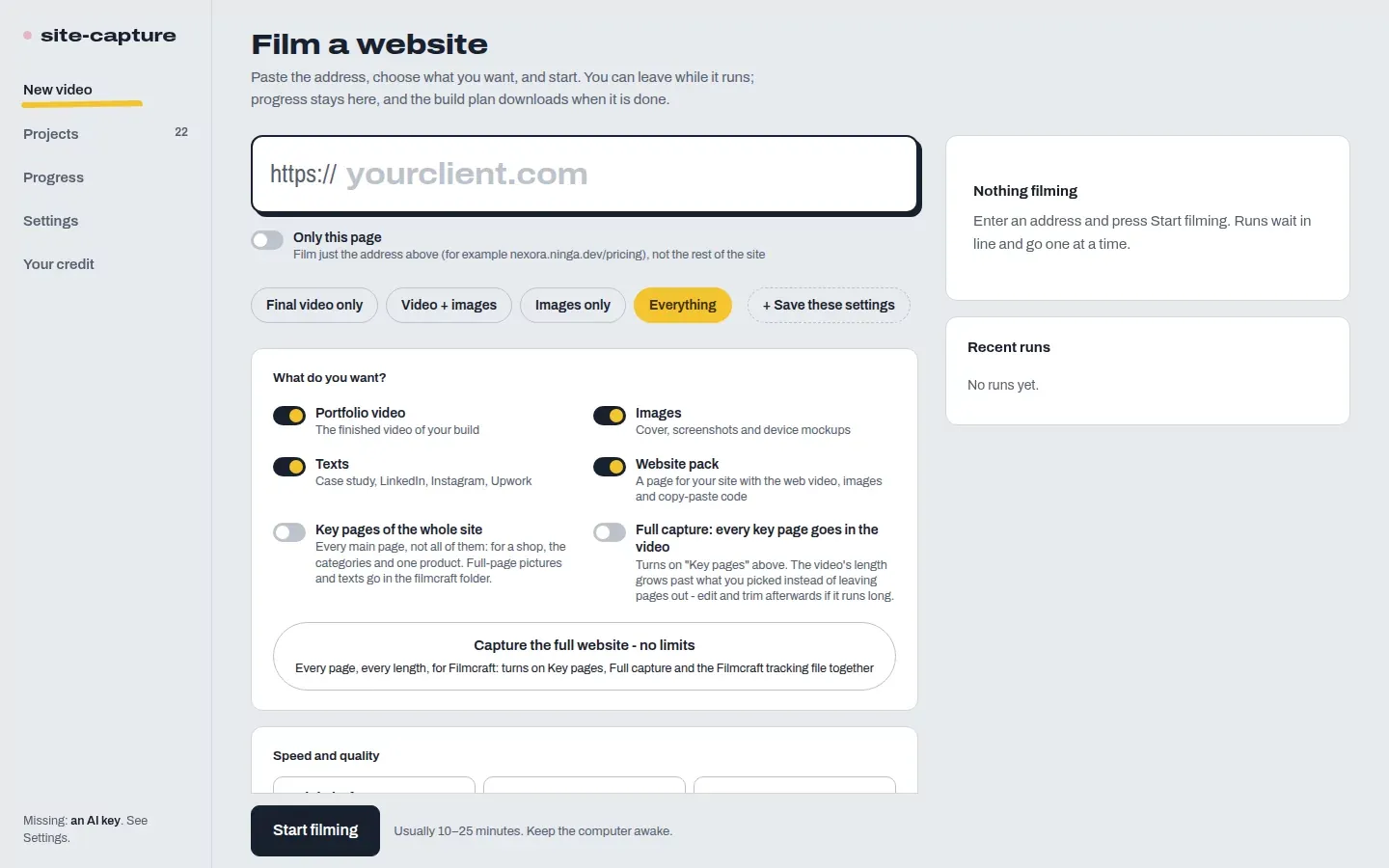
Site Capture New video page with an address field, choices for portfolio video, images, texts and website pack, and a Start filming button
Film a website: the starting form
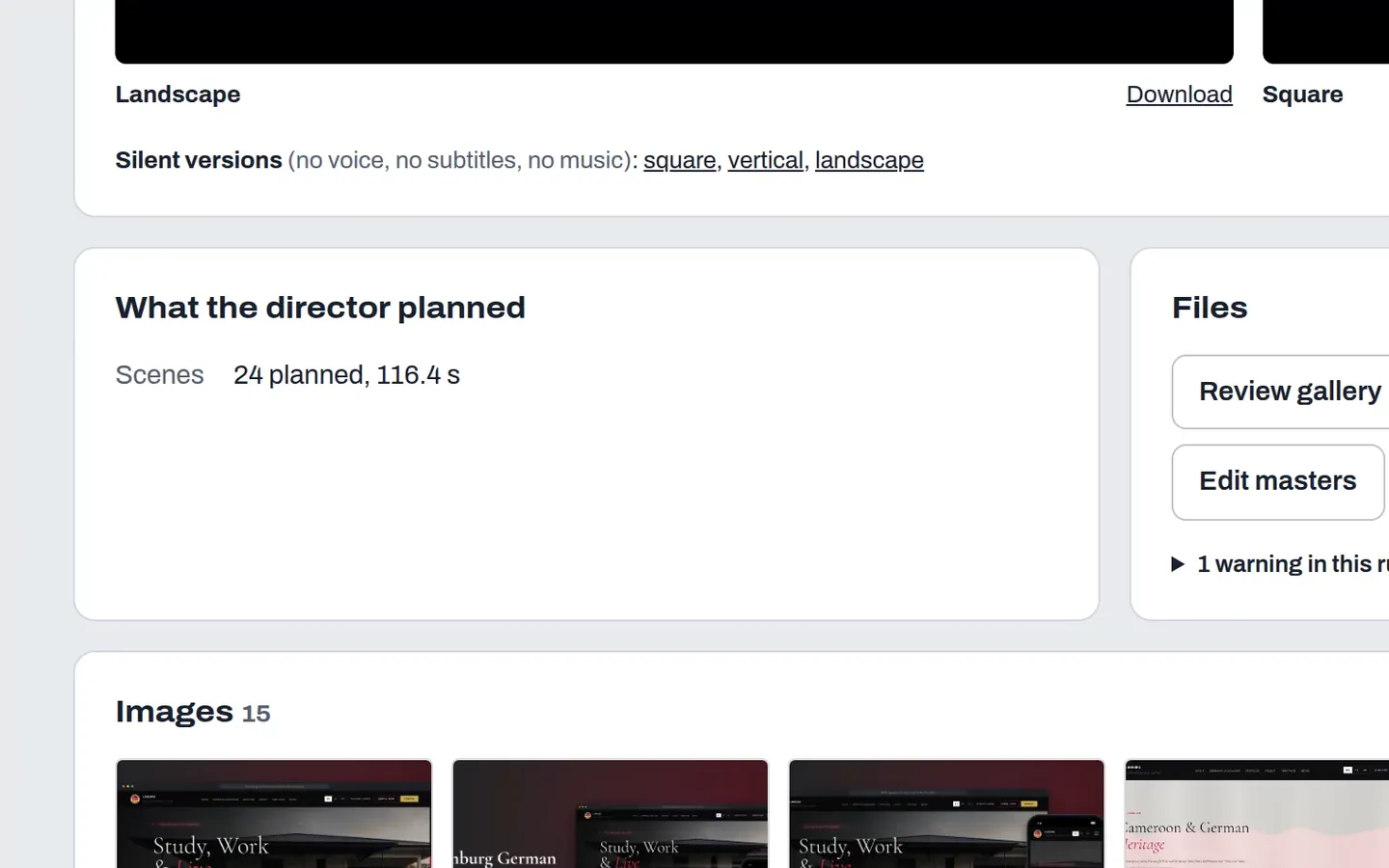
Site Capture run page with landscape and square video downloads, silent versions, the director's plan of 24 scenes over 116.4 seconds and 15 images
A finished run
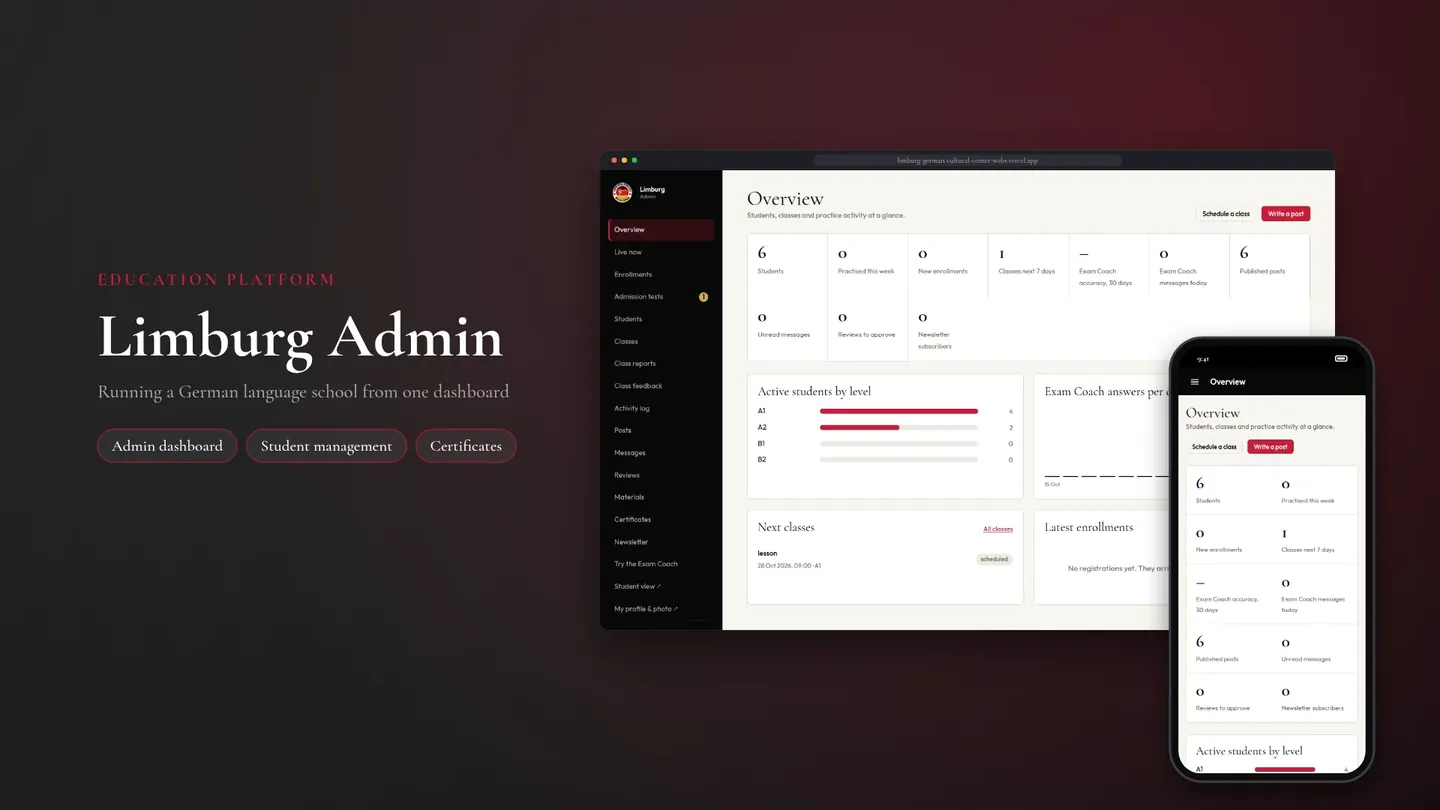
Cover image produced by Site Capture: the title Limburg Admin on a dark red background beside the admin dashboard on a laptop and a phone
An image it made, for the Limburg admin panel
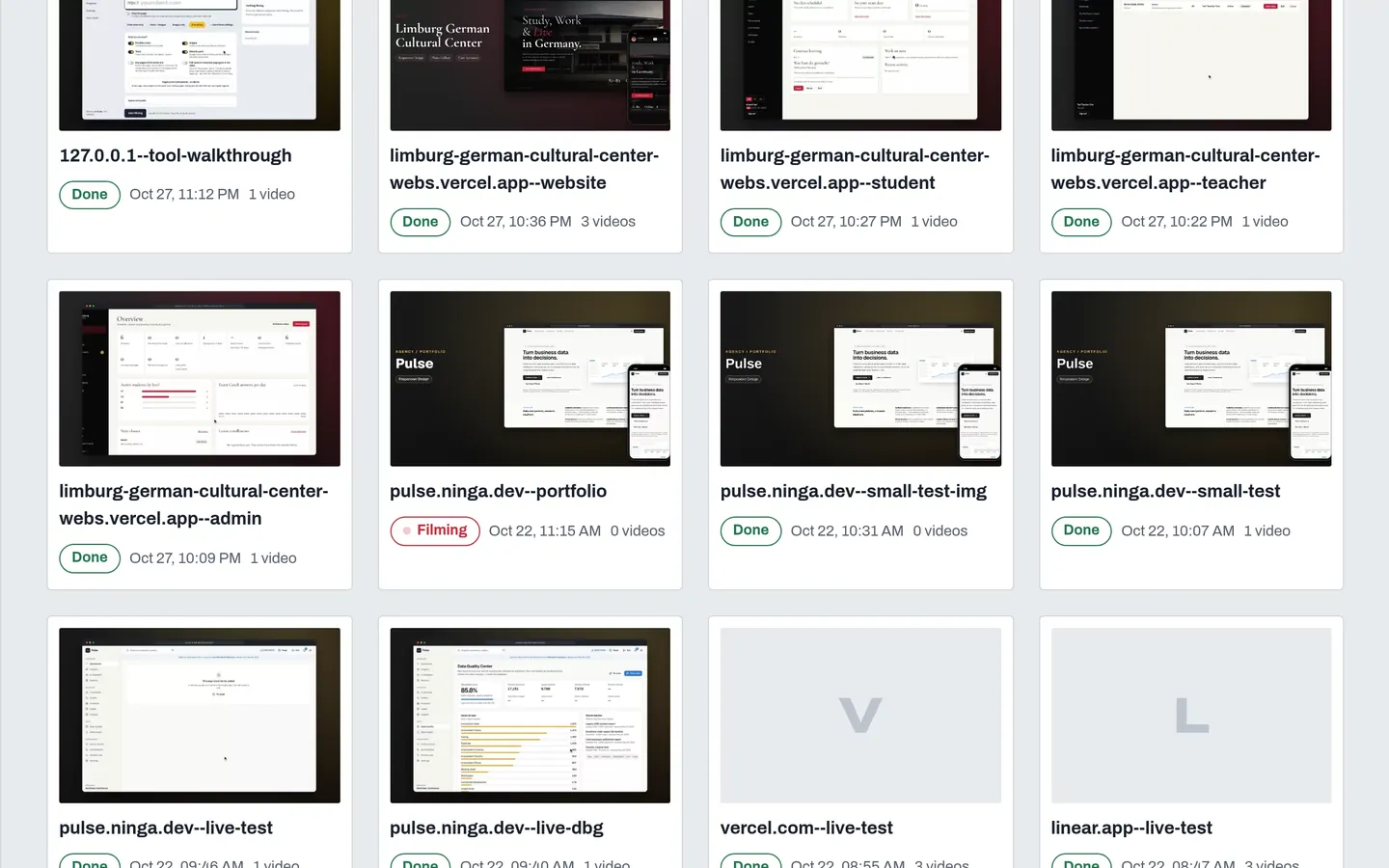
Site Capture Projects page with a card for each captured site, its status, date and number of videos
Projects, one card per site filmed
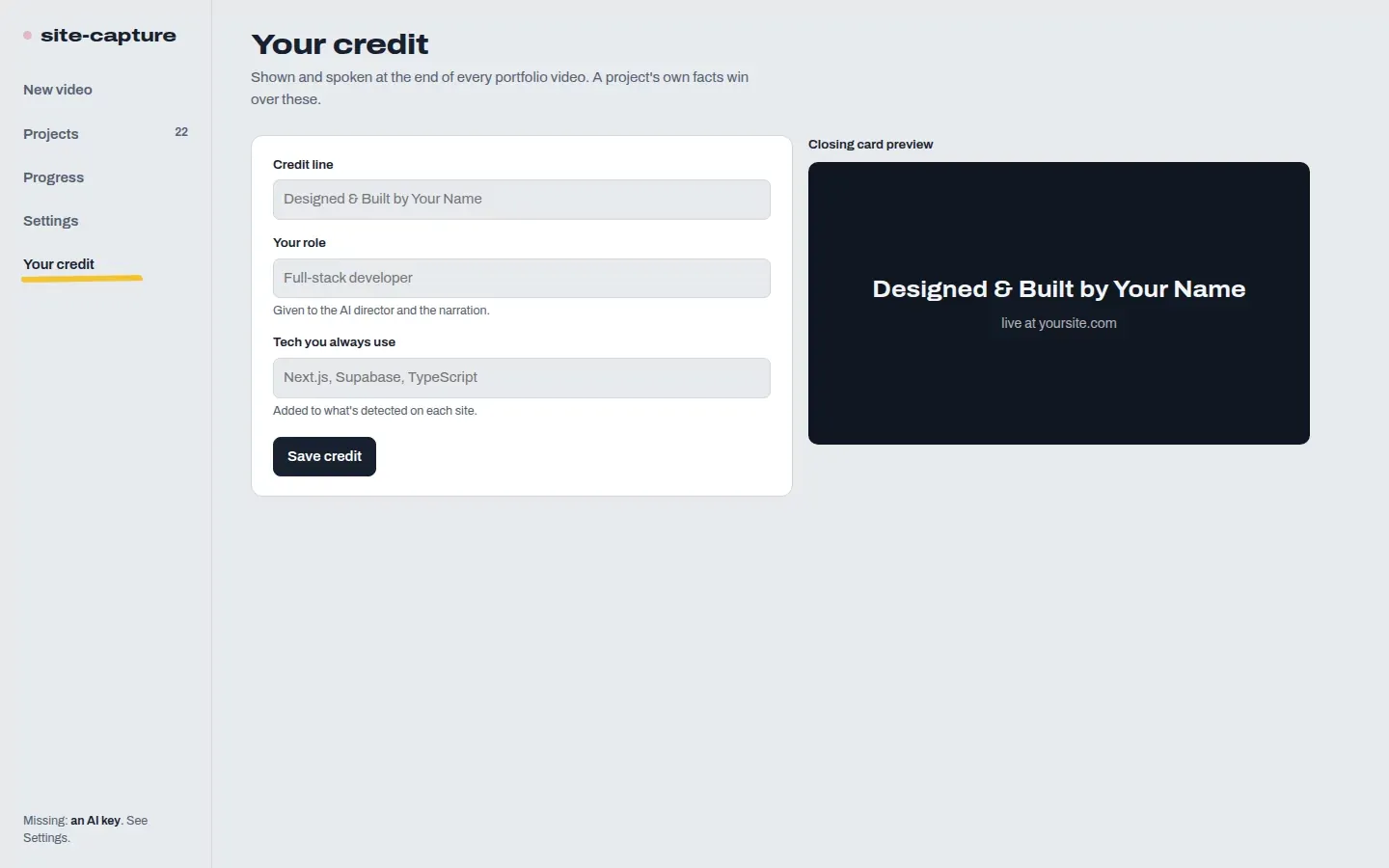
Site Capture Your credit page with fields for the credit line, role and tech, beside a preview of the closing card
Your credit, used in every closing line
Let us work together

Is there something you are still doing by hand?

Tell me what the job is and I will tell you honestly whether it is worth building. Free 30 minute call, no pressure.

Book a 30 minute call

Tell me what the job is and I will tell you honestly whether it is worth building. Free 30 minute call, no pressure.

Open my calendar